

The three things to have ready before the day, in one minute.
1. The venue’s courts
The desk sends each match to a club court, and it only knows the courts registered in your organization. Under Menu → My Organizations → your organization → Settings, Courts tab, each court has a name and sports, and can be active or inactive. Only an active court with the competition’s sport shows up on the desk. How to register them is in Your venue’s courts.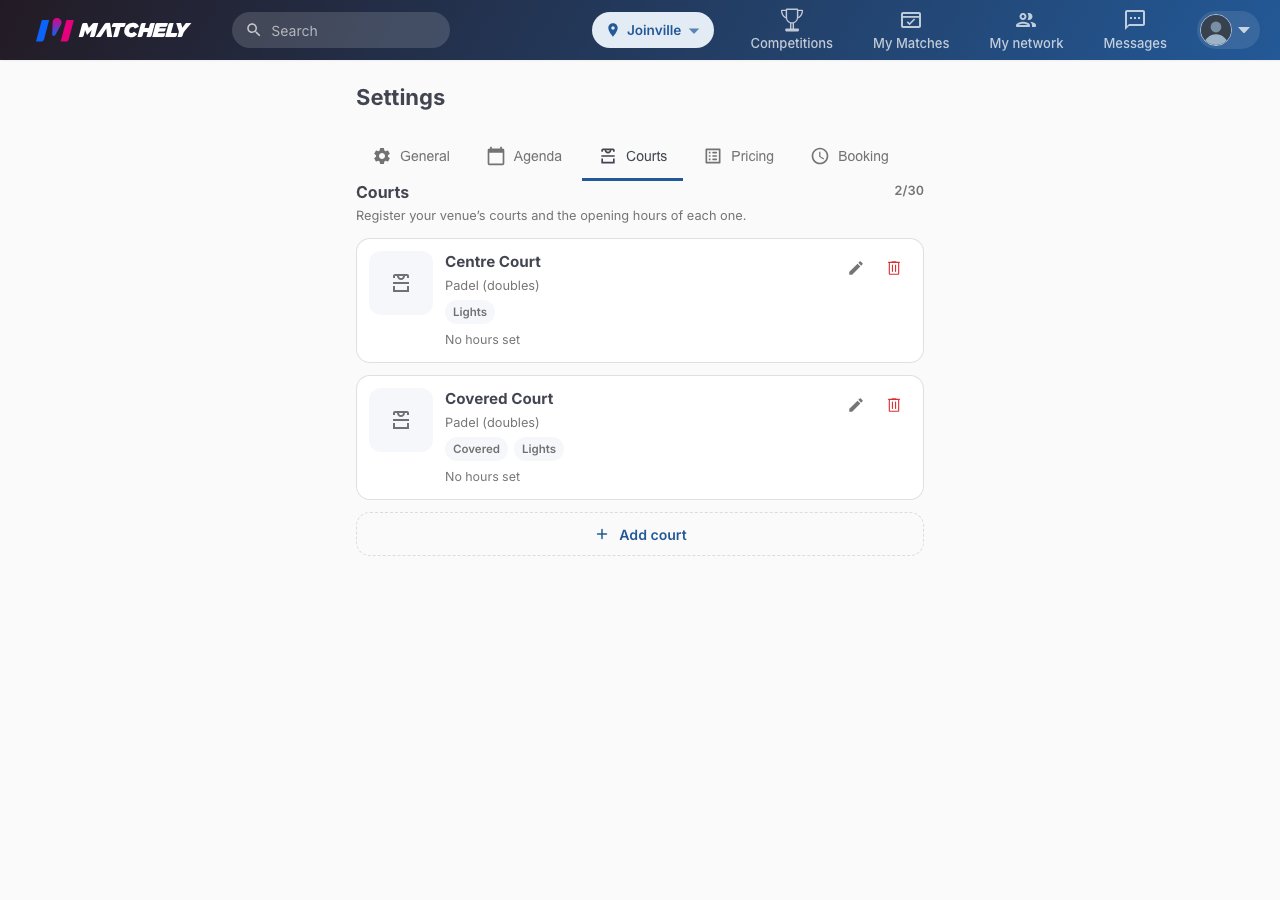
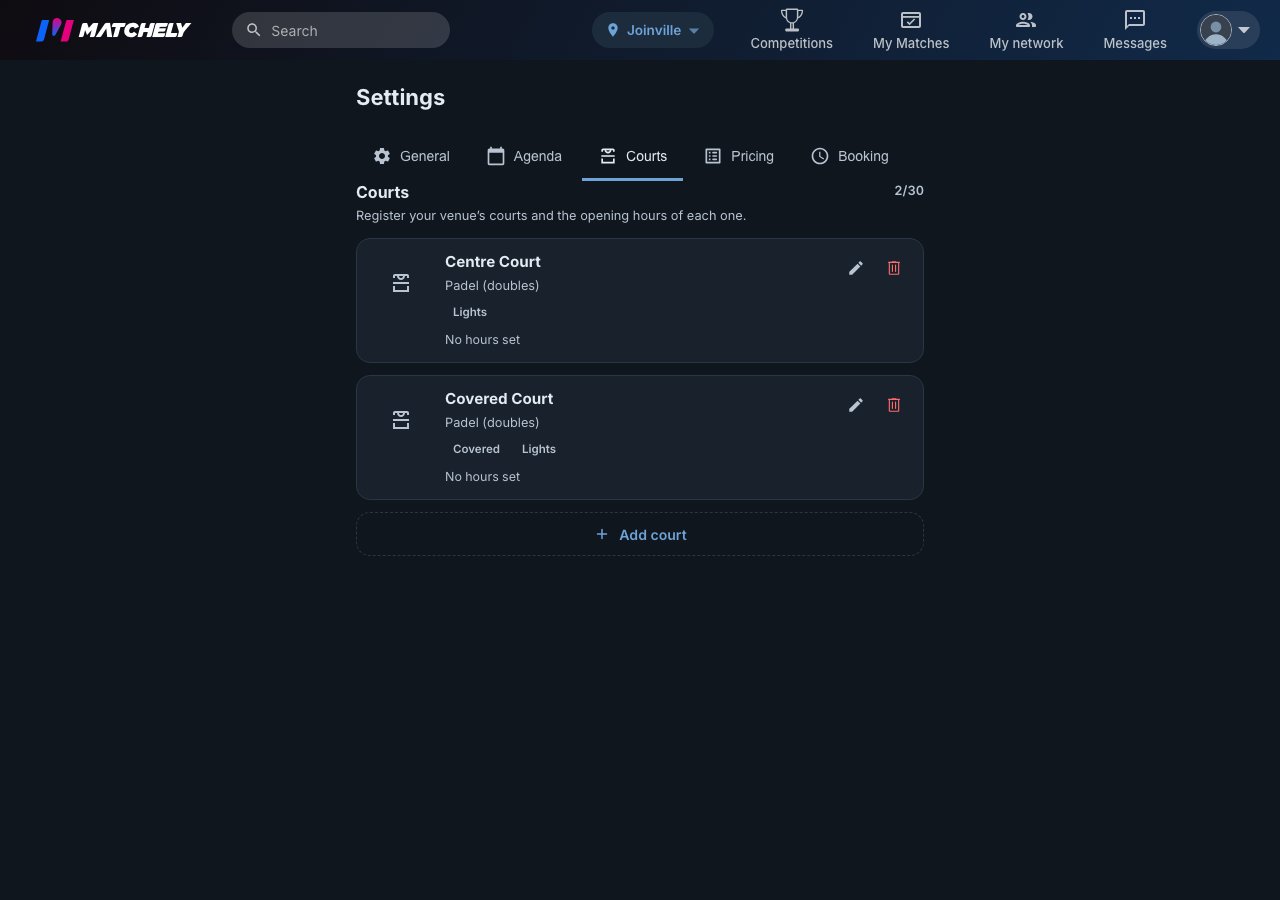
The organization's Courts tab: in the example, the venue has Centre Court and Covered Court, both for padel.
The competition must have been published under the organization — you
choose that on the last screen of creation, the Review.
The link does not change after publishing: a competition published under
your personal name opens the desk, but does not let you pick a court.
2. Who runs the desk with you
The owner and administrators can do everything. For someone to run only the desk, go to Manage → Information → Administrators, tap Add Administrator, pick the person and the Assistant role. An assistant starts with the Tournament desk and Results areas: they call, start, change courts and enter results — and do not touch entries, rounds, money or settings.

In the administrators list, the assistant carries the Assistant label.
The Add Administrator search only finds people who are already members
of the competition.
3. The open round
The desk works on the open round. When you open the round (the matches are generated), its card, under Manage → Schedule, gets the Open desk button — only on the current round, and only while it is open. With no open round, the desk says “No round open right now.”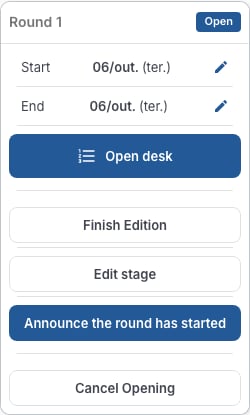
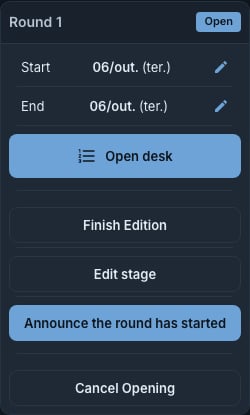
The open round's card, in Schedule, with the Open desk button.