

With email
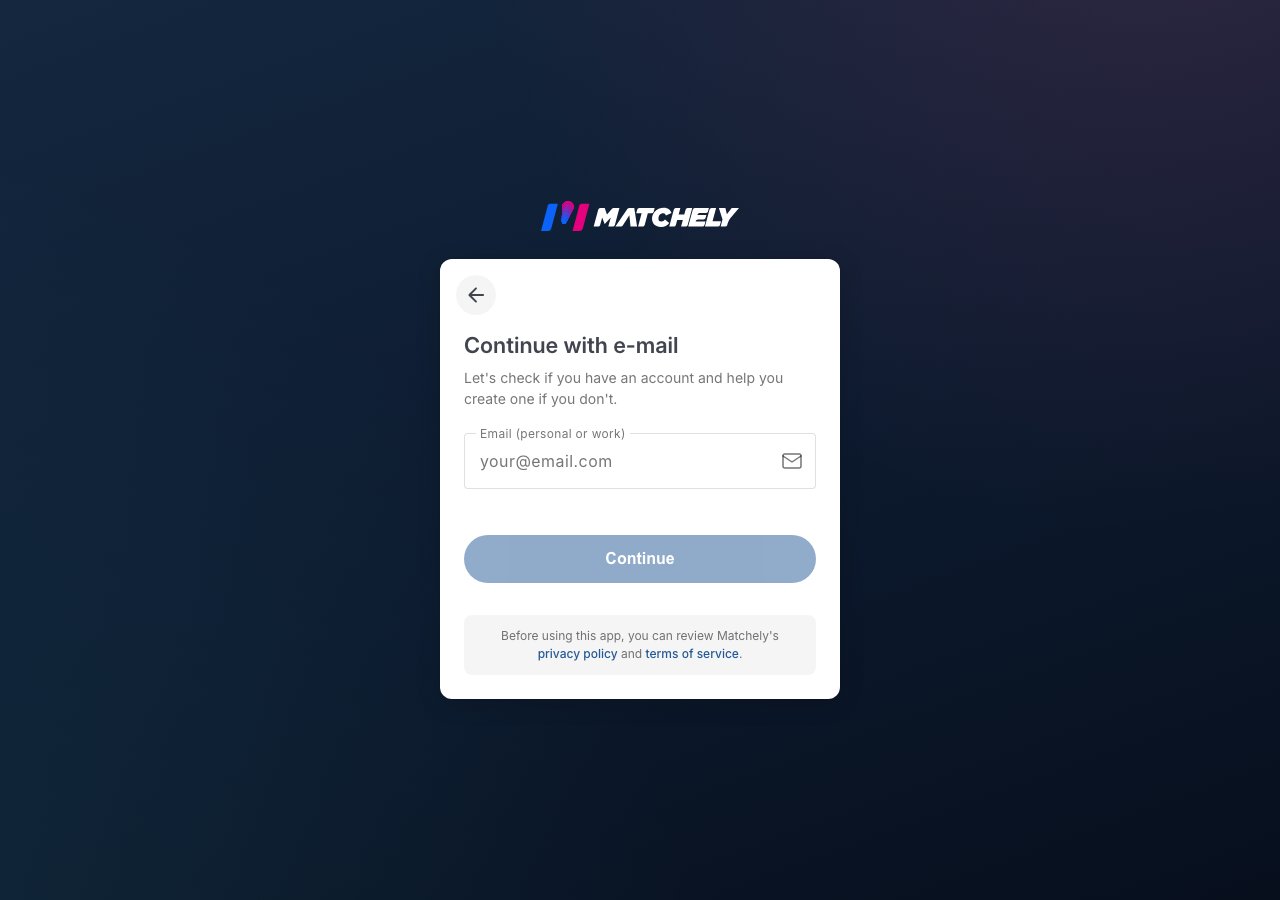
The sign-in screen: just your email, no password.
1
Enter your email
Use the address you actually read — match alerts go there.
2
Get the code
We send a six-digit code, valid for 10 minutes. If you need another,
resending unlocks after a minute.
3
Done
Enter the code and you are in. Next time the app recognizes you.
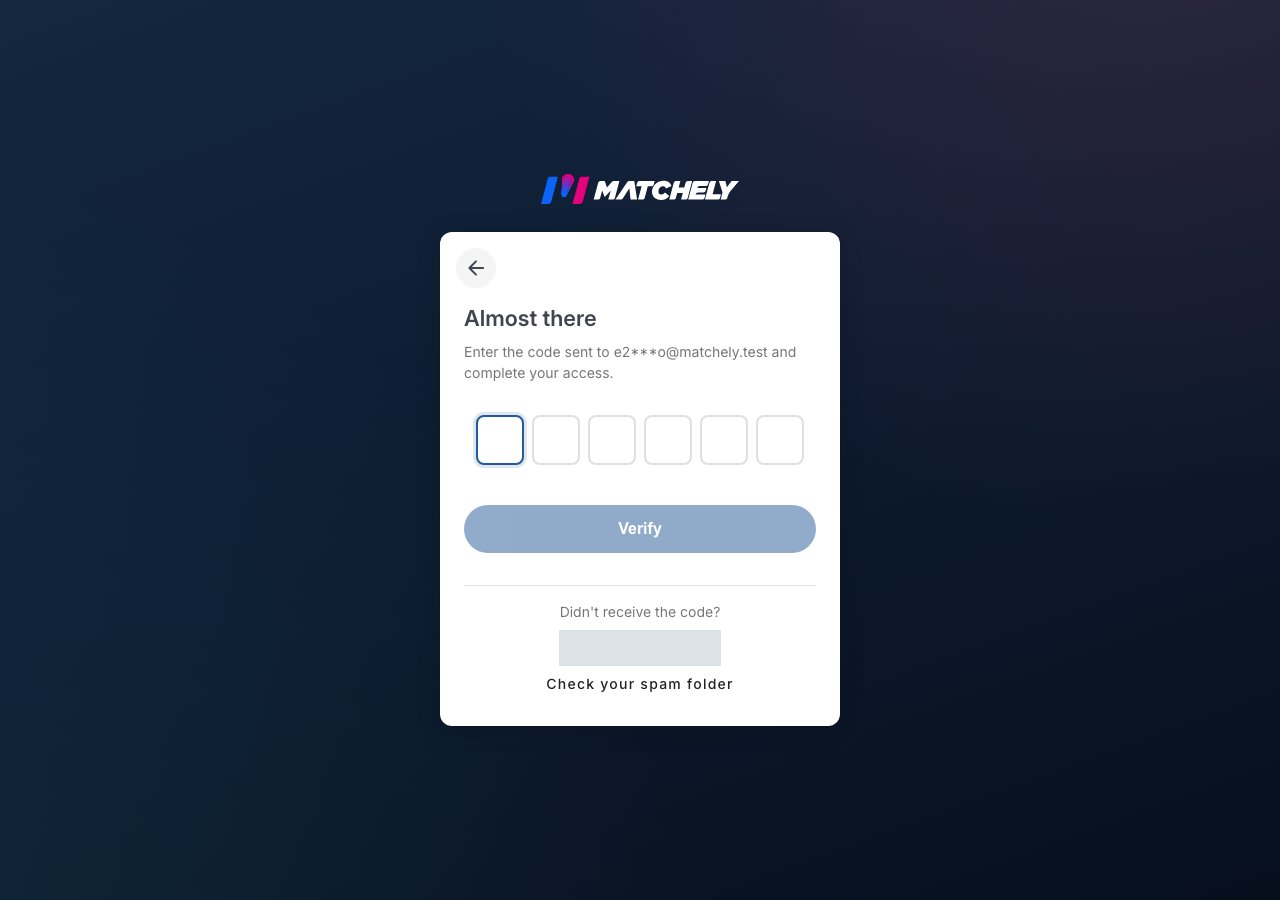
The six-digit code screen.
Got the code wrong five times? Ask for a new one — for safety, the old
code stops working. There is also a limit of five codes per hour for the same
address.
With Google or Apple
One tap on Continue with Google or Continue with Apple.If your account was created through Google or Apple, the email route sends
no code — it tells you to use the same button as before. It is the same
account; nothing gets duplicated.
Did you get here from an invite?
If you open an invite link in your phone’s browser, Matchely asks you to continue in the app before creating the account — the app is where you join matches, get the alerts and talk to the group. The button takes you straight to the App Store or Google Play, and Continue in the browser is still there for anyone who prefers it (and it will not ask again for a week). On Android the invite survives the install: the app opens right on the match. On iPhone there is no such route, so when you tap Download the app to join the page copies the invite link for you. The first time you open the app, the sign-in screen shows Got an invite? with your iPhone’s own Paste button — one tap and the invite opens. If you would rather, go back to the link after installing and tap I have the app — join the match.Matchely does not read what you copied: deciding whether to offer never
looks at the clipboard, and the link only arrives when you tap the system
Paste. The offer shows up once, on the device’s first use.
One account, every device
The same account works in the browser, on iPhone, and on Android. Your matches, history, and chats follow you across all of them.Next: set up your profile
Without a complete profile you can look around, but you cannot enter a competition.