

Overview
The dashboard: how many participants, how many matches, the state of the current edition, and the activity log — who did what, and when.Information
Description, venue, images, and public link. It is also where visibility changes after publishing — between Public and Unlisted — and where you add co-administrators or transfer the competition to another organizer.Divisions
They split the competition by level. You set the size (Compact or Wide presets) and, if you want, chain divisions into a hierarchy — only then do they exchange players.In a League, the exchange happens at each round turnover, not at the end
of the edition: inside a division, the top two of each group move up and the
bottom two move down. Americano, Super 8 in groups and Super 12 have no
promotion or relegation.
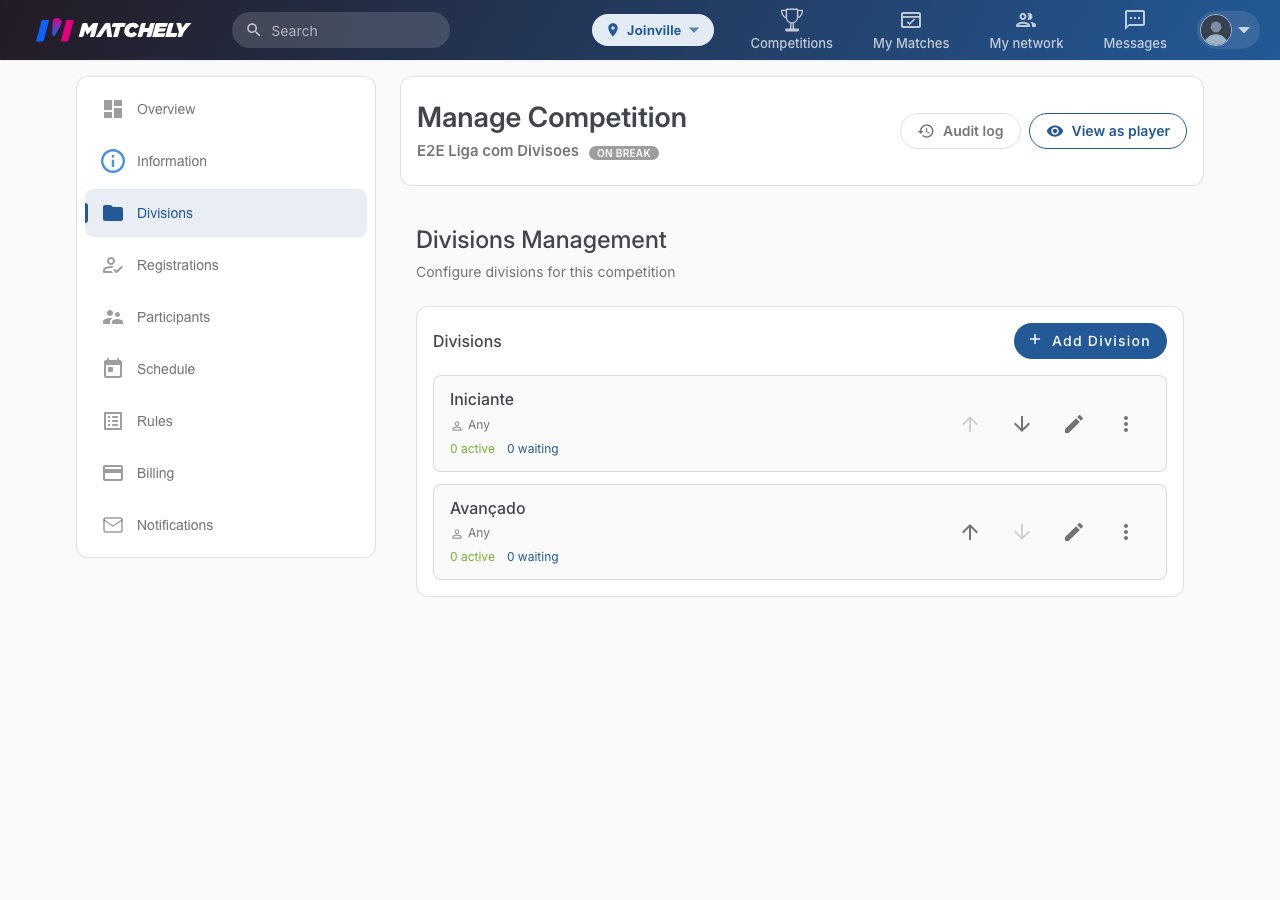
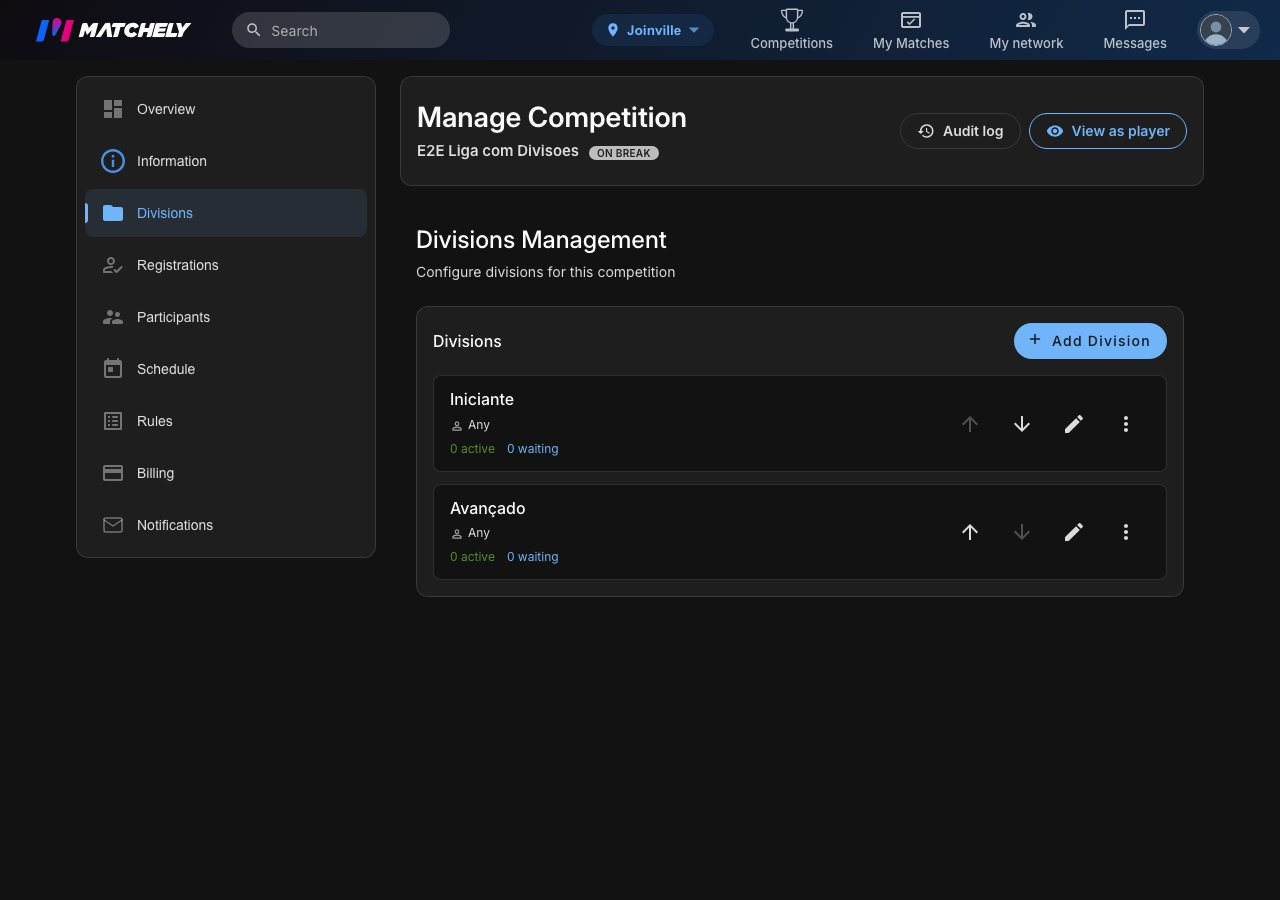
Division management, with the admin sections on the left.
Teams
Only shows up in a team sport, right below Divisions. This is where you build the teams out of the people already registered: pick the players and Form team, or use Draw teams and Balance teams, and drag people from one team to another. Dissolve sends the players back to the list of those with no team yet. In Super 12, the final-stage pairs show up here too, tagged Formed by the standings. They are created when you publish the knockout stage and cannot be dissolved. The Partner required at registration switch lives here too: off, an athlete registers alone and you place them later; on, the registration only completes with a partner, who gets the invitation.Entries
This is the entry configuration: automatic approval on or off, opening and closing (globally or per division), and the dates.Participants
Accept and decline requests, suspend, remove, add by hand, invite by email, and reach each person by chat or WhatsApp. In a paid competition, this is also where the money comes back to you:- Refund requests — the queue of people who asked for their money back and landed on your desk (outside the automatic window, or paid by manual verification). You approve it — in full or for an amount — or deny it.
- Courtesy — clears someone’s entry at no cost, with a mandatory reason that stays in the activity log.
Schedule
The operational heart: open a round, reschedule deadlines in bulk, cancel a start, notify participants, and close the round. In two-phase formats, the second phase does not come from the add-round card — it does not even show:- World Cup, Super 12 and fixed-pairs Super 8 with a final — while the group stage is under way, Schedule shows Publish knockout stage. The matchups come already computed from the standings; drag one side onto another to swap who faces whom. Publishing creates the bracket and closes the group stage in the same step. In Super 12 each side is already a pair formed by the standings (1st + 8th, 2nd + 7th…). A group match with no result yet triggers a warning, but does not stop you from publishing.
- Super 8 in groups — round 2 exists from the start. Close round 1 and use Start final phase on the round 2 card: the order arrives ready (1st of group 1, 1st of group 2, 2nd of group 1…), and you can still adjust it before publishing the matches.
- Americano in Mexicano mode — only the first turn is created when the round opens. Once every match of the turn is finished, Generate next turn appears on the round card and draws the next turn from the standings.
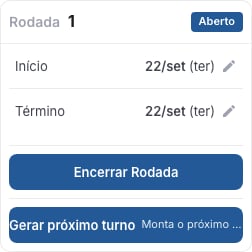
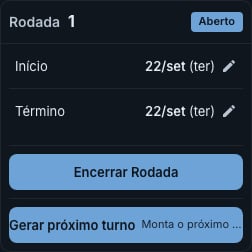
Americano in Mexicano mode: Generate next turn shows up on the round card once the turn is over.
A round can cross the turn of the year. The limit is that it cannot end
more than 364 days after the edition started.
Rules
The text every participant sees.Finance
A summary (paid, pending, refunded, courtesy, and the estimated net after the fee) and, below it, what you configure:- Charging — mode, price, and the connection to the account that receives the money.
- Tiers — prices that change with the date.
- Discounts — by eligibility, which the player self-declares at checkout and you verify afterwards, or by code, which they type in as a coupon. For a coupon you set the code, the usage limit, the validity dates, and which tiers it applies to.
- Extras — items sold alongside the entry (kit, shirt), with an option where there is one (size, model). An extra never takes a discount or a coupon, and the card carries the Sizes report, with how many of each have been paid for.
- Pricing rules and Refund policy — in the latter you say whether the player can ask for their money back and for how many days the app refunds on its own, without going through you. Outside that window, the request becomes a line in the queue under Participants.
Finance saves everything at once: changes pile up in a bar at the bottom,
with a count of what has not been saved yet.
Notifications
Campaigns to the people following the competition.Create a competition from scratch
The five-step wizard, publishing, and opening the first round.
Super 4, Super 8, Super 12 and Americano
How the one-afternoon formats draw matches and decide the champion.