

1. Name
The name is the only required field here. The competition’s address is suggested from it — that is the link you send to participants.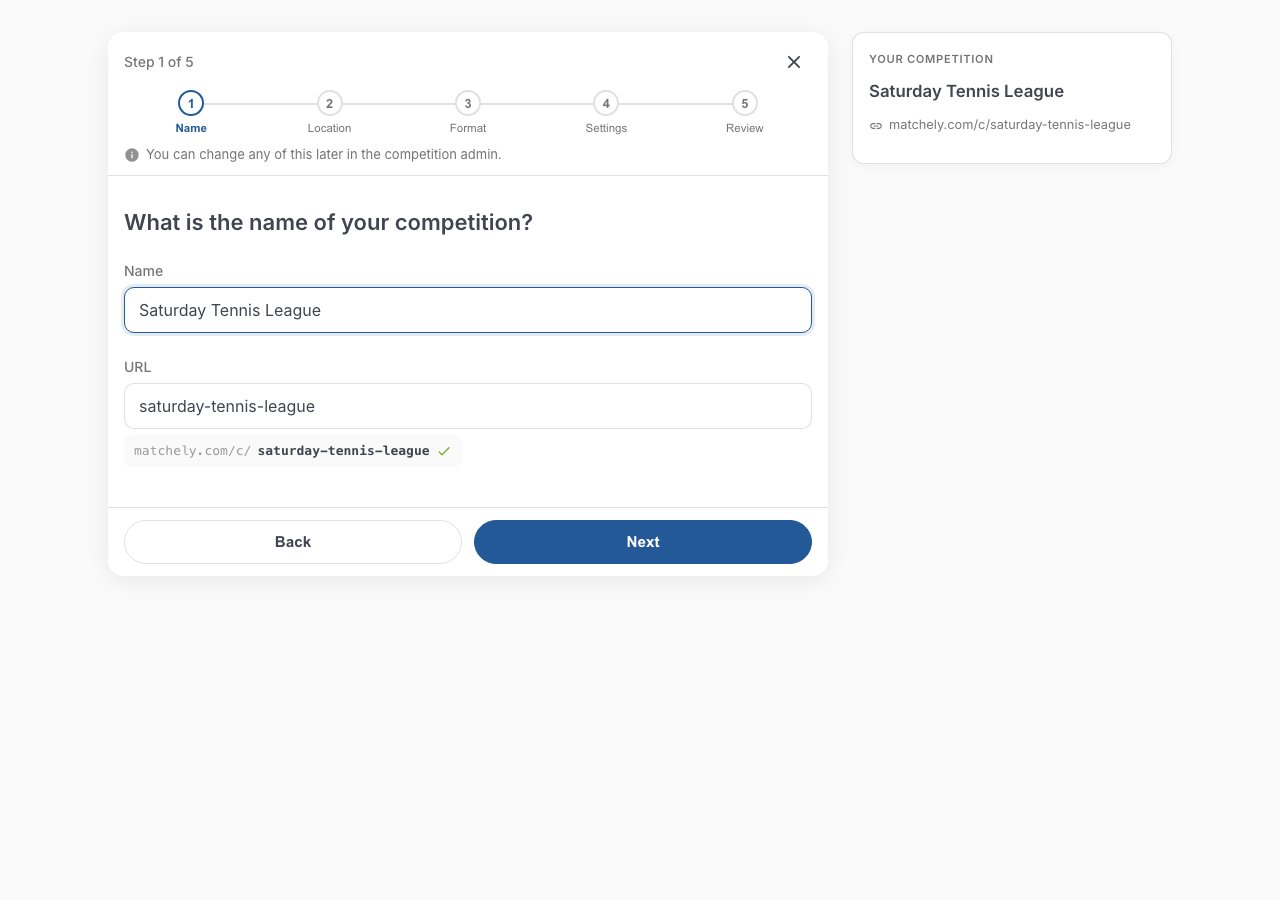
Step 1 — the address is derived from the name you type.
2. Venue
Search for the court or club. If it is not on the map, use Can’t find the place? Enter it manually.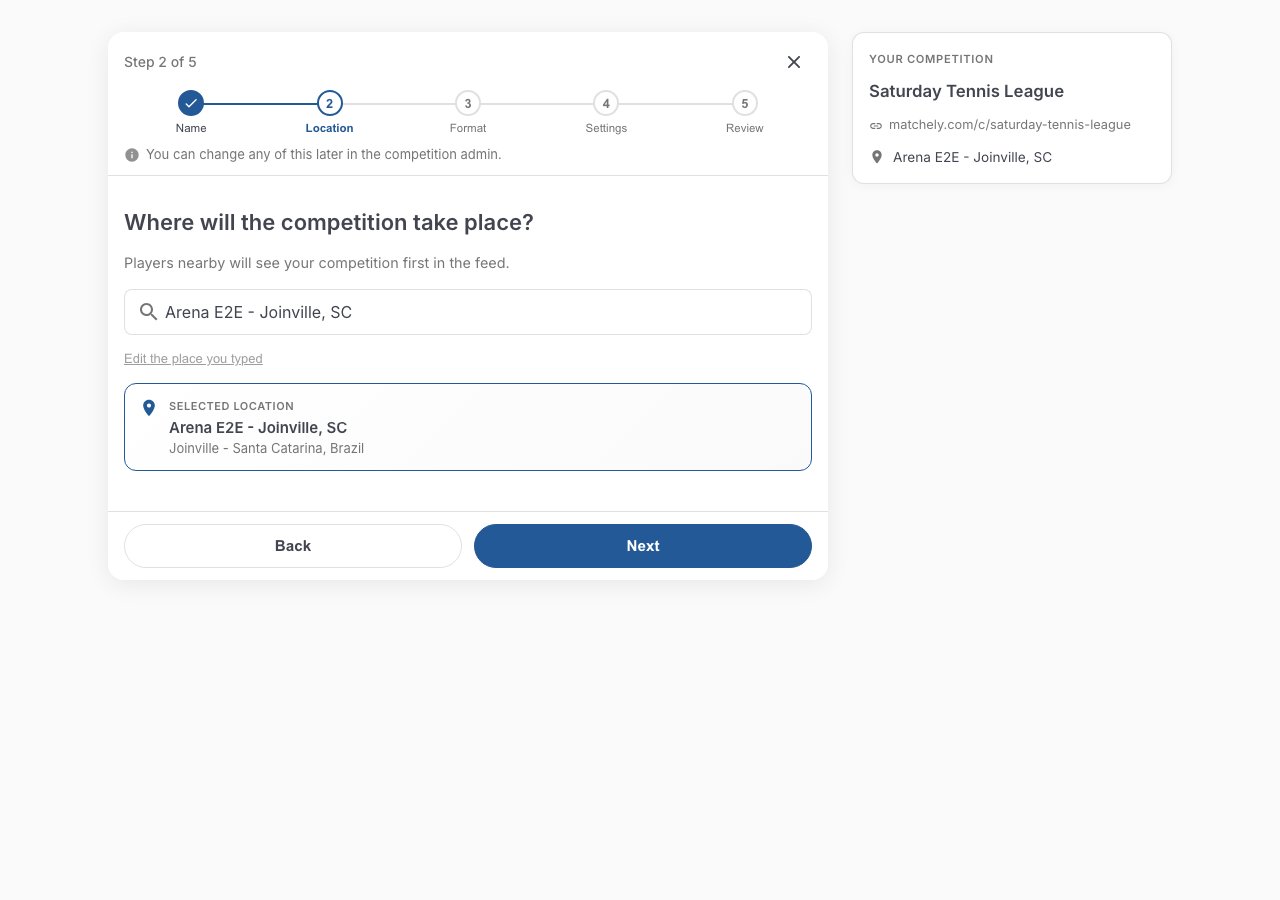
Step 2 — manual entry, for when the venue is not on the map.
3. Format
The step that decides most about how the competition will feel. Each format shows how many players it takes, who it suits, and what you gain and give up by picking it. Torn between two? Use Compare formats. Formats that do not fit the chosen sport stay in the list, disabled and with the reason: Challenge Ladder is singles-only; Super 4, Super 8, Super 8 in groups, Super 12 and Americano are doubles-only. How each format works is in the overview and in Super 4, Super 8, Super 12 and Americano.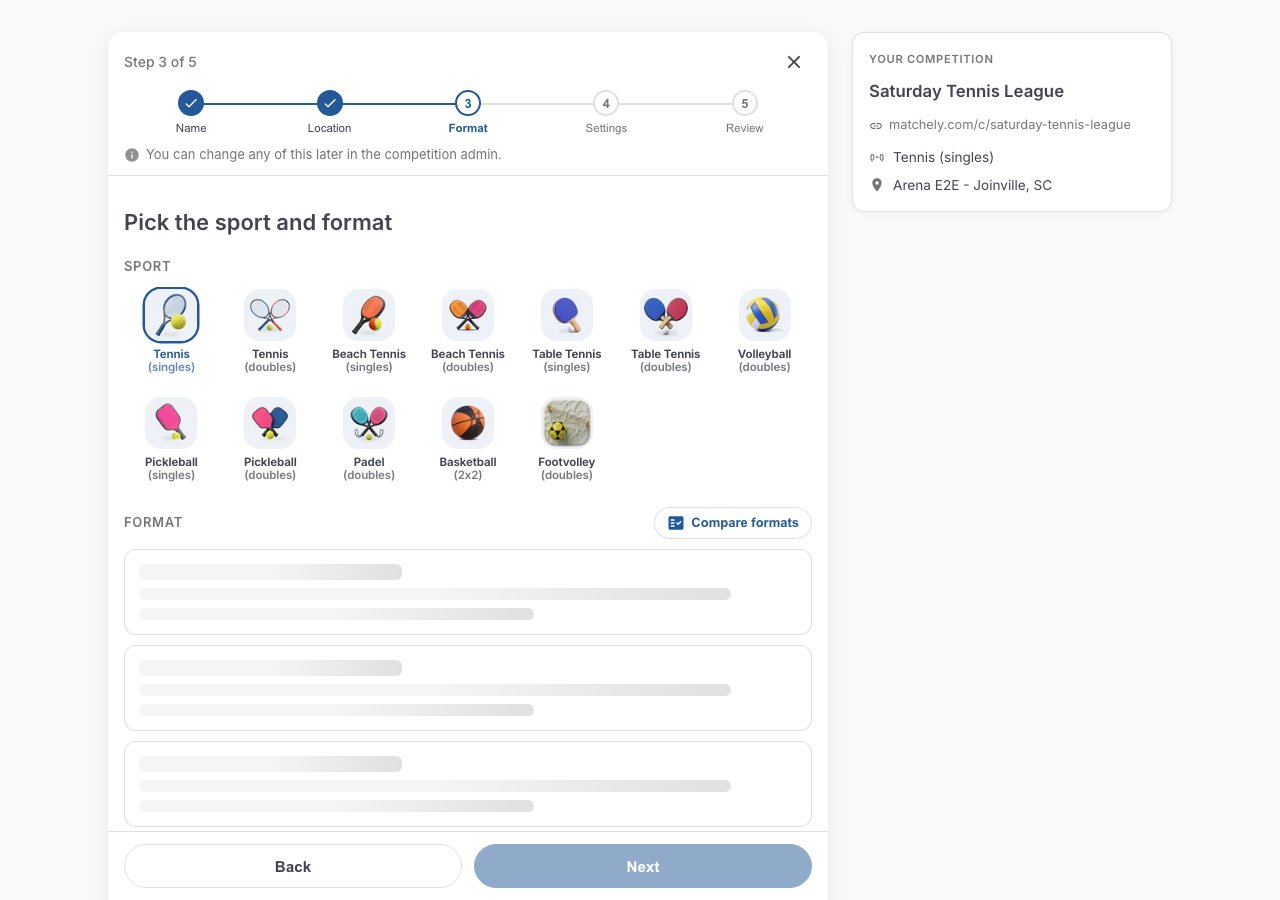
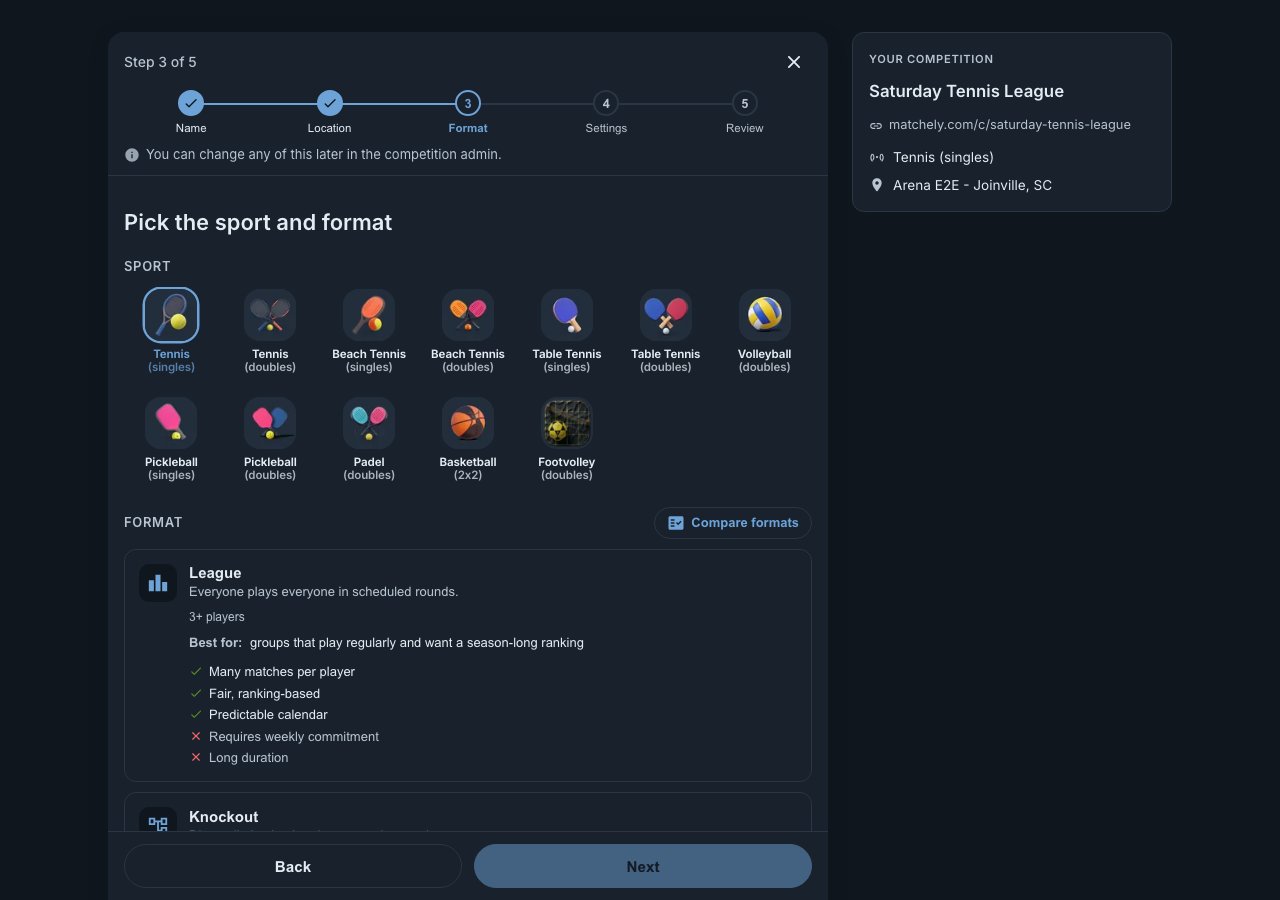
Step 3 — sport and format, with the selected format highlighted.
- Partner required at registration (doubles sports): off, an athlete can join alone and you form the pairs later; on, the registration only completes with a partner, who gets an invite to accept.
- Fixed teams — the team is ranked (League and Super 8, in doubles sports): the pair plays the whole competition together and is ranked as a pair. In Super 8, also pick the Fixed pairs mode: 8 pairs, everyone plays everyone (28 matches) or 2 groups of 4 pairs + final.
- Score format by phase: one score format per phase (group stage, knockout rounds, final); where you leave it blank, the sport default applies. Super 4, Super 8, Super 8 in groups, Super 12 and Americano come with one 4-game set already picked (one game to 11 points in pickleball).
- Turns and courts (Americano): how many courts (1 to 4), how many turns (the suggestion follows the number of courts) and the mode — Fixed, with every turn created when the round opens, or Mexicano, with each turn drawn from the standings.
- Bracket options (Knockout, World Cup, Super 12 and fixed-pairs Super 8 with a final): third-place match and consolation bracket.
- Divisions: one, or up to eight, defined right here. In formats with a bracket, each division becomes a category, with class, gender and spots.
4. Setup
Start and end dates, the entry deadline, the regulation (a ready-made one, like CBT or COBRAPA, or a custom one: scoring, tiebreakers and the text athletes read), the visibility, the currency, and how entry is charged. Visibility decides who can find the competition on their own — the direct link works either way:
And how entry is charged:
5. Review
The last screen repeats everything. Here you can also publish the competition under an Organization (club, academy, venue) and use Finish later to save it as a draft. The Publish competition button creates and publishes in one go: the competition goes live straight away, and the admin area opens asking Open entries now?. If you would rather leave it for later, Finish later saves it as a draft — nobody sees it and nobody can enter. A draft can be deleted; a published competition cannot.You do not need a cover to publish. Without one, Matchely draws one for your
competition: a coloured background with trophies, always the same for that
competition. Two different competitions get different colours, even in the
same format. You can upload yours later, under Information.
Publishing a draft
If the competition stayed a draft — because you used Finish later, or because publishing did not go through — open the admin area and use the button in the banner at the top. Publishing automatically creates the first edition and the first round.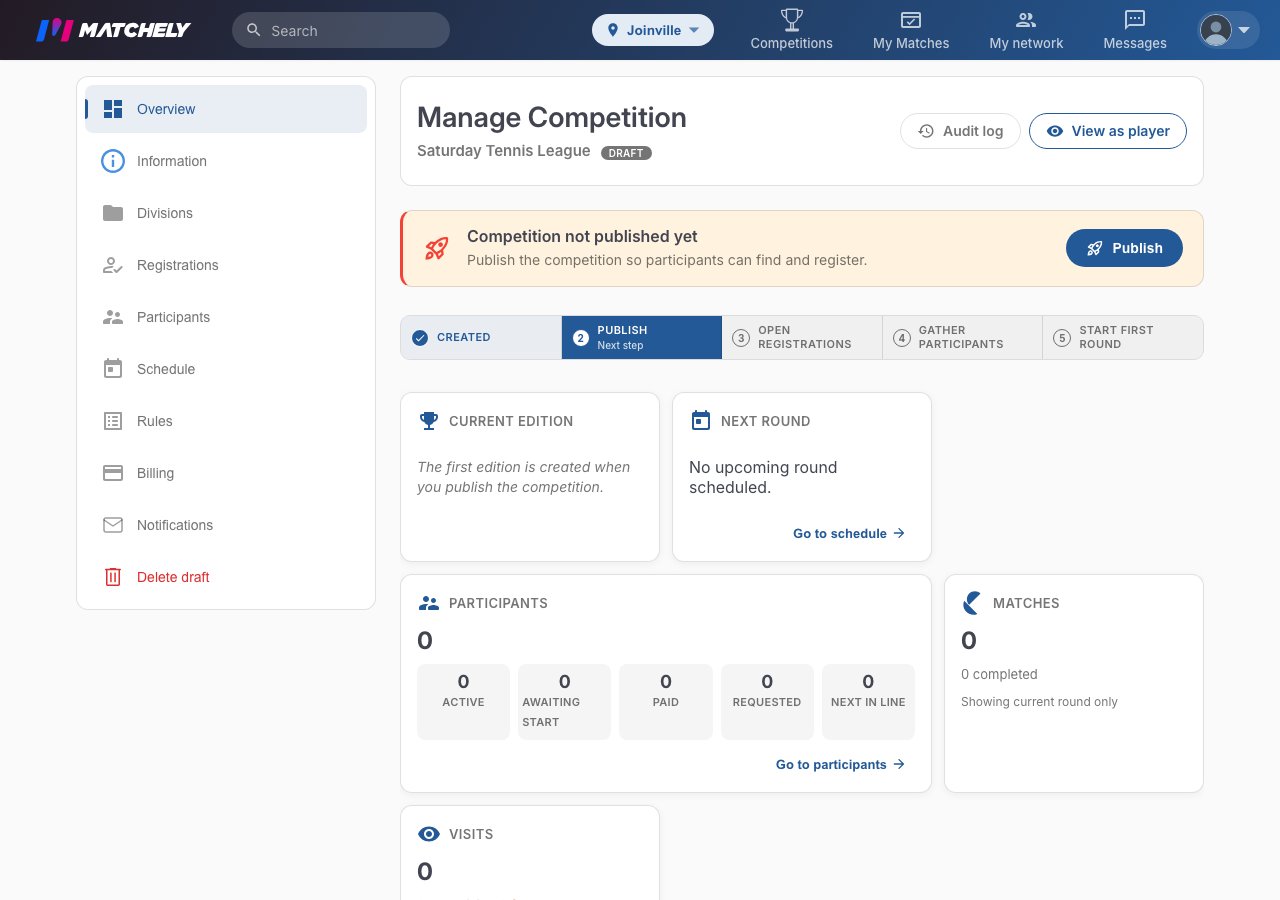
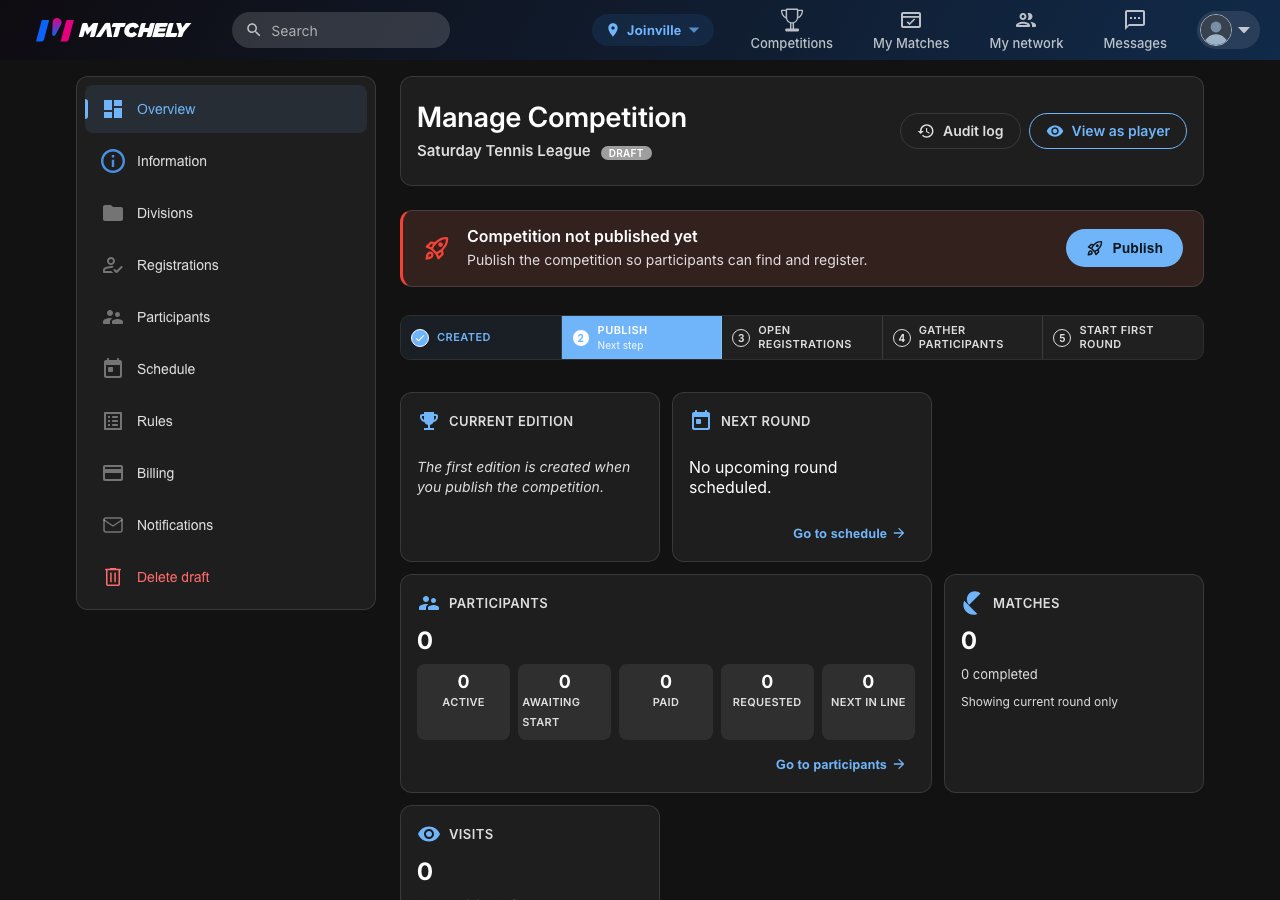
The admin area, with the notice that the competition is not published yet.
Opening round 1
With participants in, go to Schedule → Start Round. Before generating the matches, Matchely builds a preliminary table and lets you reorder who faces whom.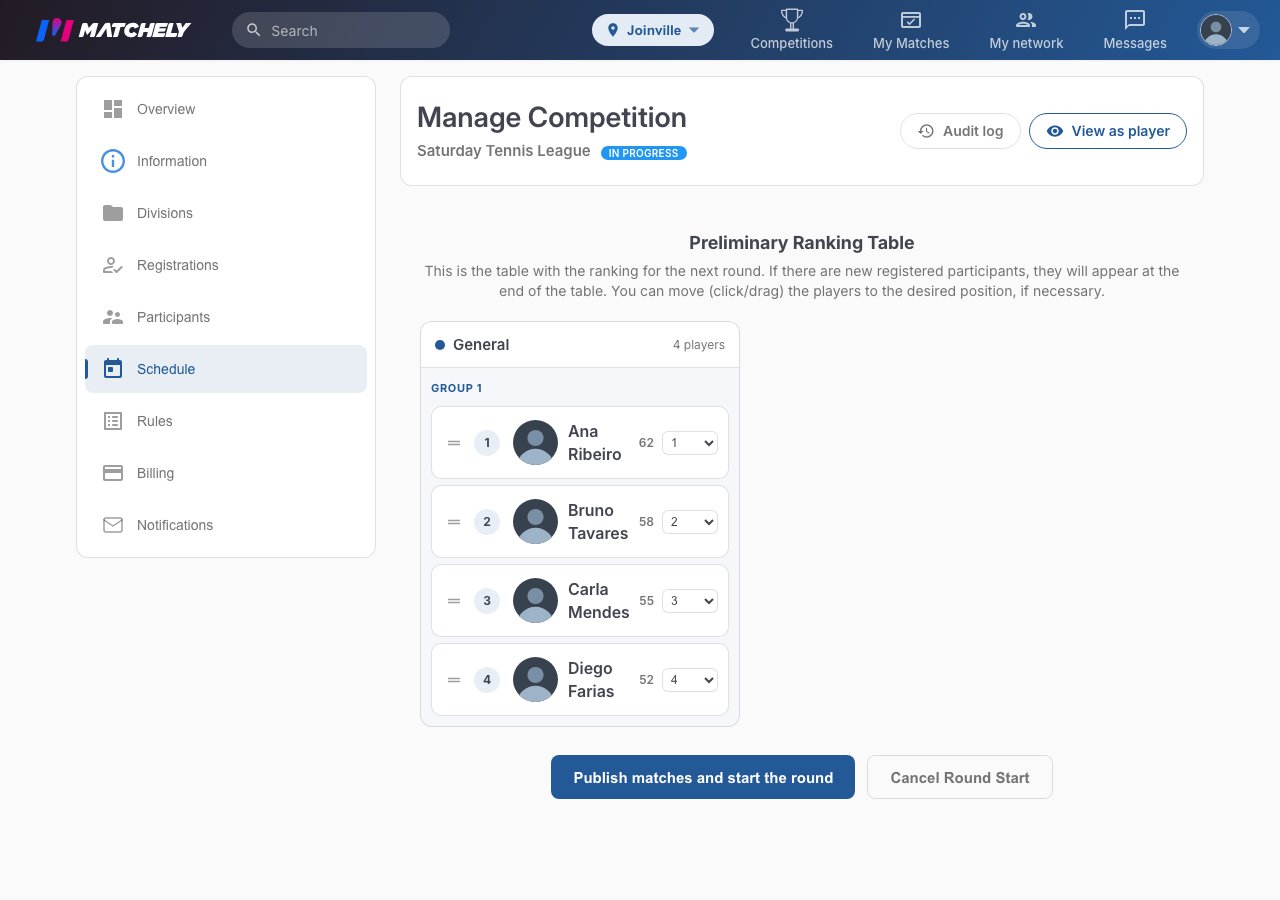
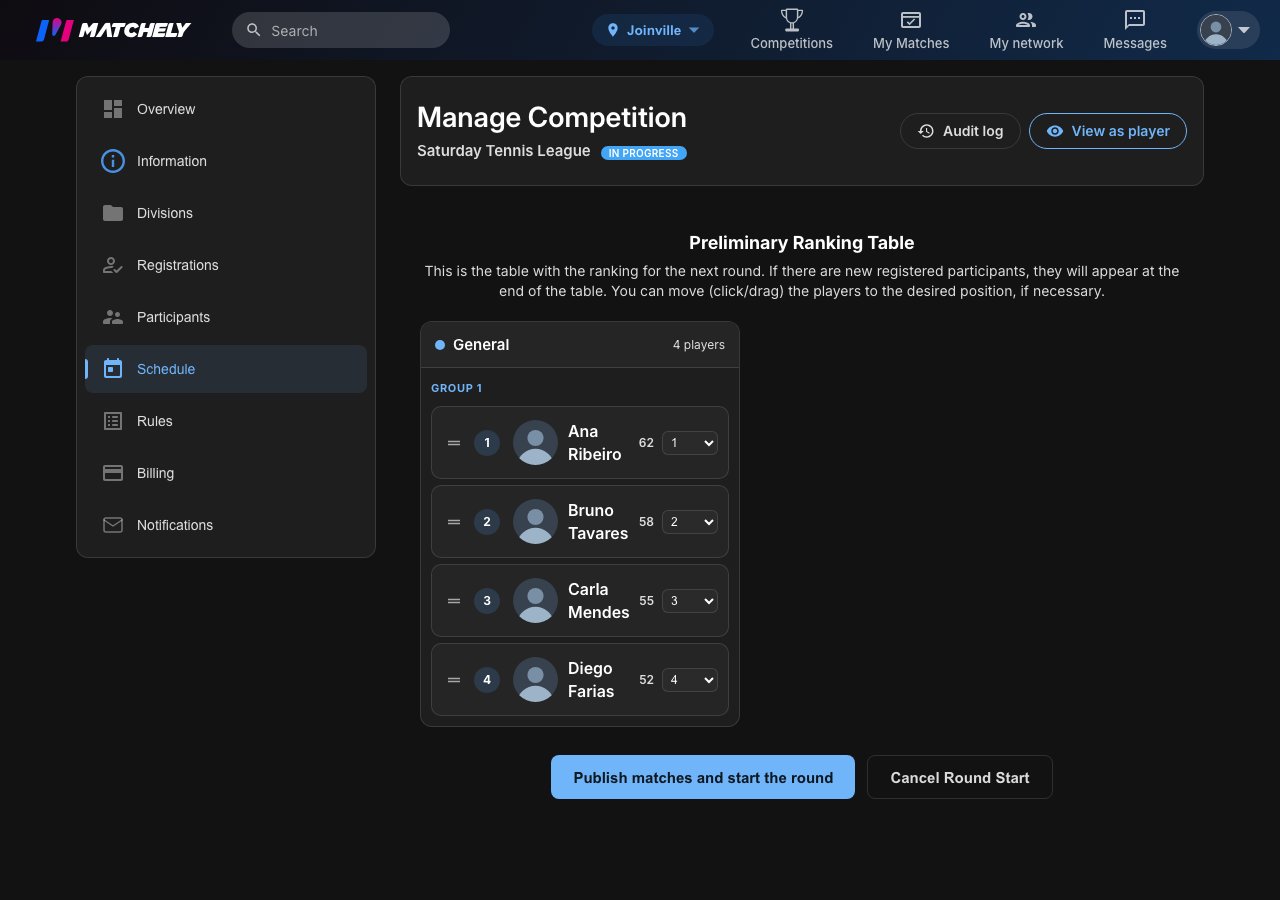
The preliminary table, before the round's matches are published.
In the fixed-size formats — Super 4, Super 8, Super 8 in groups and Super 12
— the round only opens with the exact number of players (8 complete pairs in
the fixed-pairs Super 8). Americano opens with any number from 4 to 16. In a
fixed-pairs competition, form the pairs under Teams before opening:
whoever has no pair does not play.