

The steps
1
Name
Your name as people know you on court.
2
Gender and date of birth
Used for categories and for gender-based rankings.
3
Your sports
Pick the ones you play. You can have several, and each carries its own
level — nobody plays tennis and volleyball at the same level.
4
Your level in each sport
Nine levels, from Beginner to Professional, in three bands
(Beginner, Intermediate and Advanced), each with a description
of what it means. Matchely turns your choice into a number from 1 to 99.Picking a level opens up what is expected at it: I already do and Not
yet mastered, item by item, plus In tournaments. The items
follow that sport’s own axes — rally, serve, position, net, and whatever
else fits the discipline.
5
Court side
Doubles only, in tennis, beach tennis, padel and pickleball: which side you
usually play. A scale from Left to Right, with Either in the
middle, and each side in two degrees — preference or required. It is the
one step you can skip for now.
6
City
This is what puts you in the local showcase and in your region’s rankings.
7
Phone
So organizers and partners can reach you. You decide who sees the number.
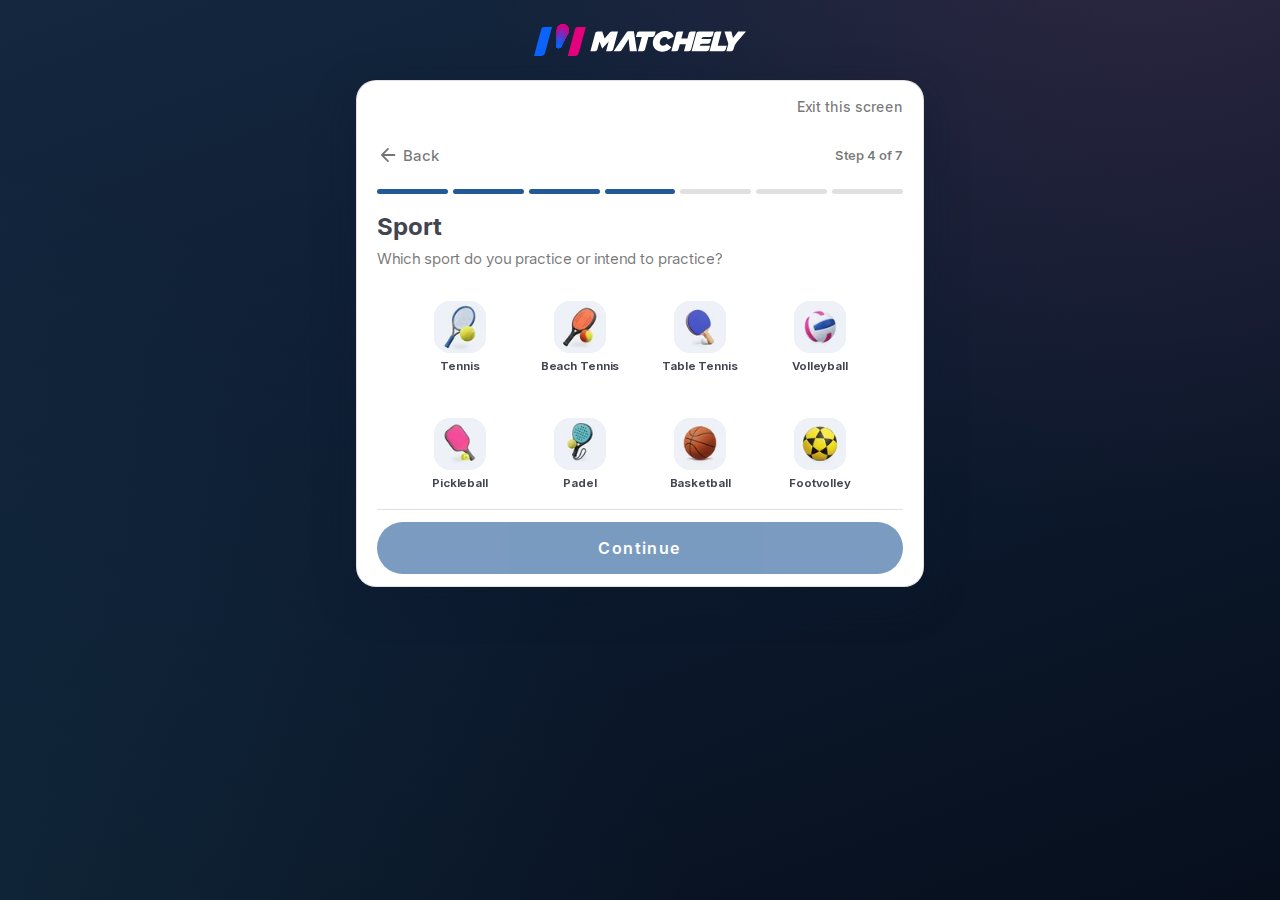
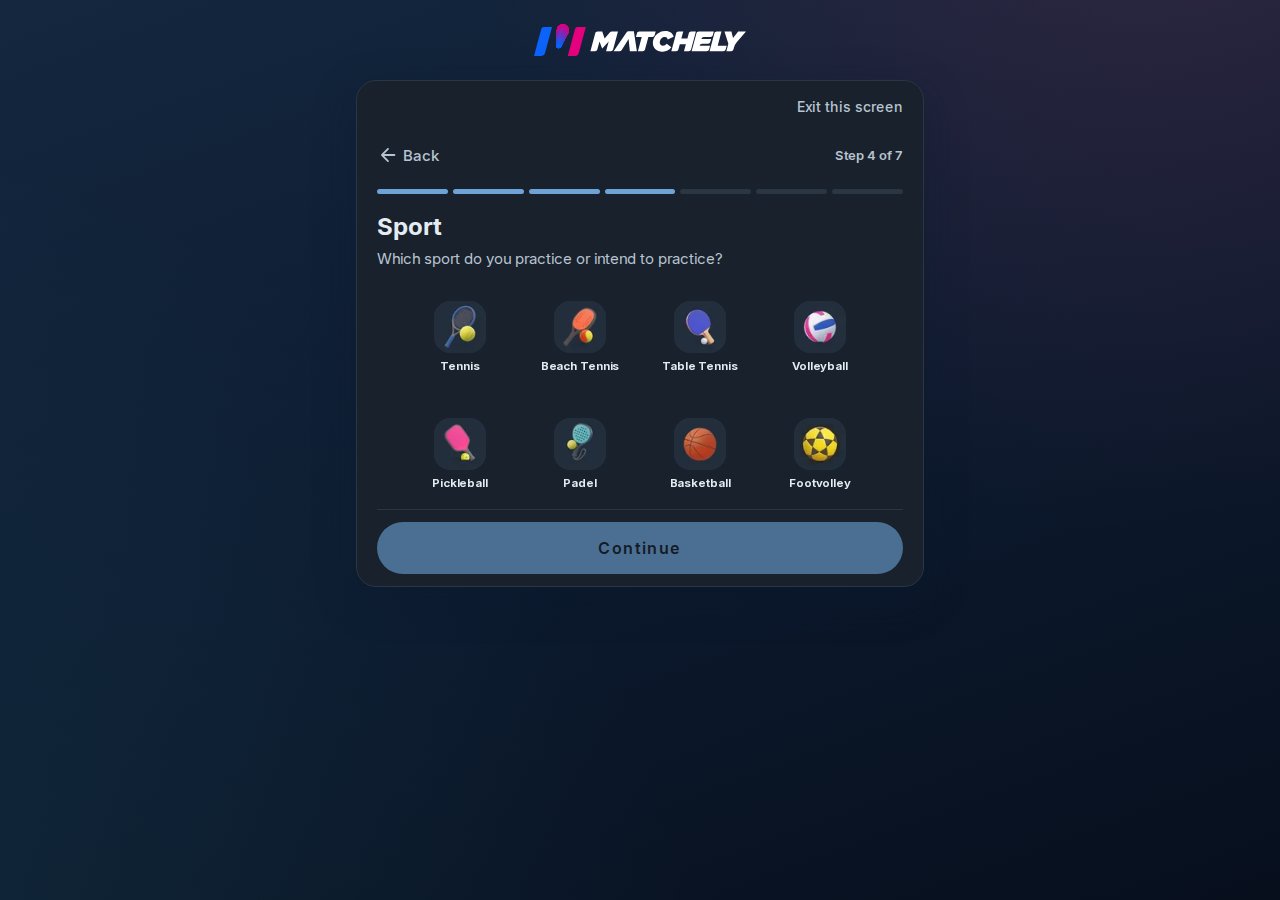
The sports step — you choose how many you play.
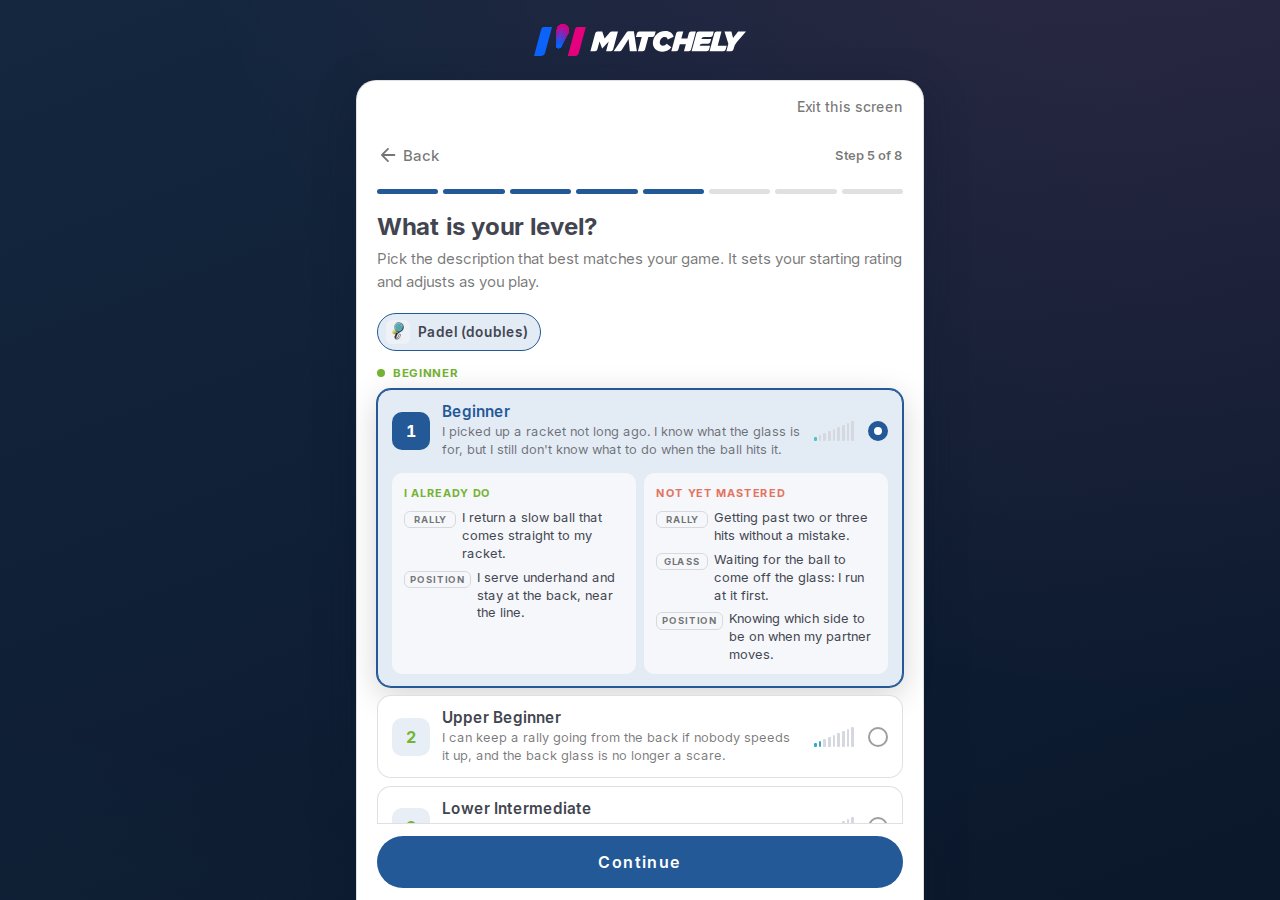
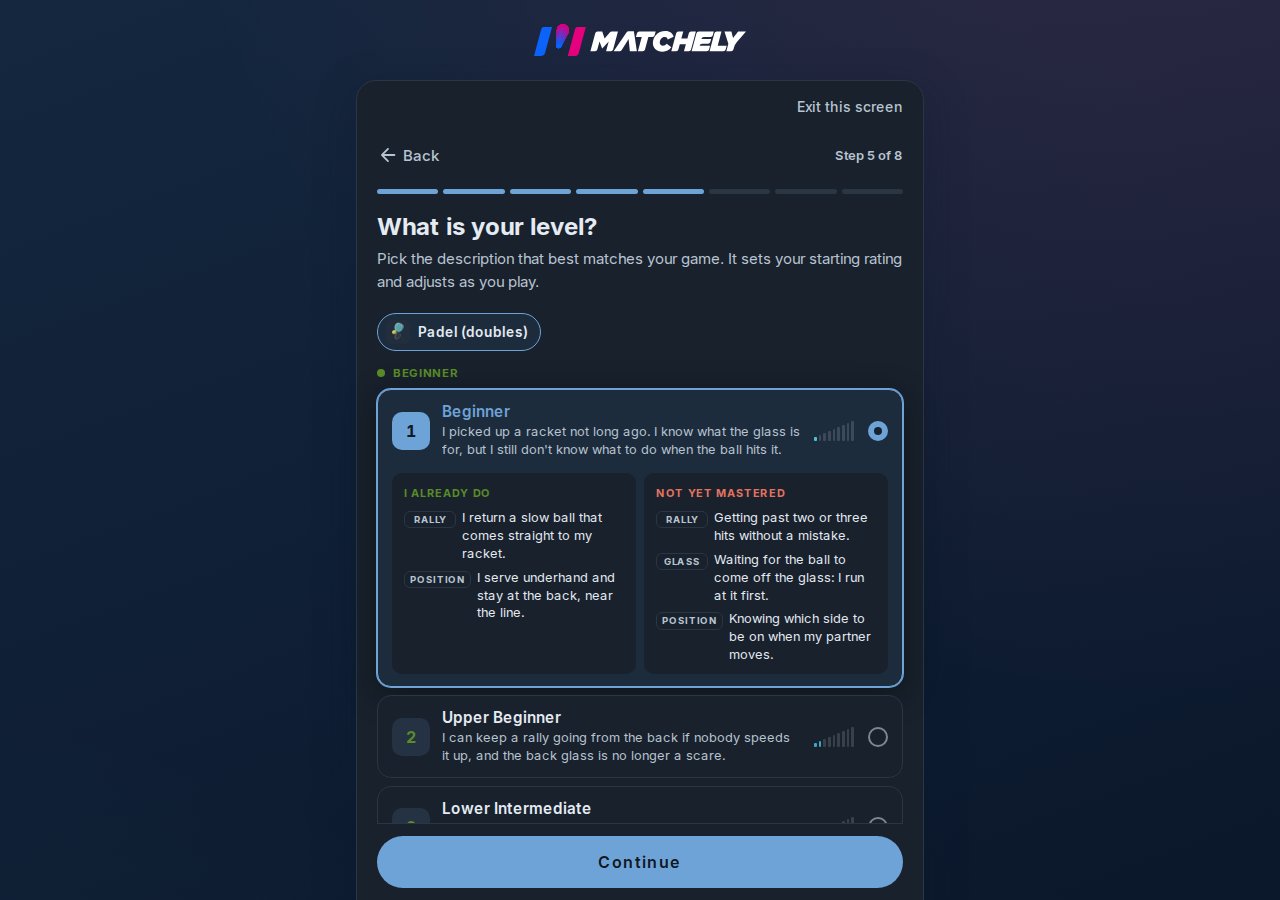
Picking a level opens what you already do and what you have not mastered yet.
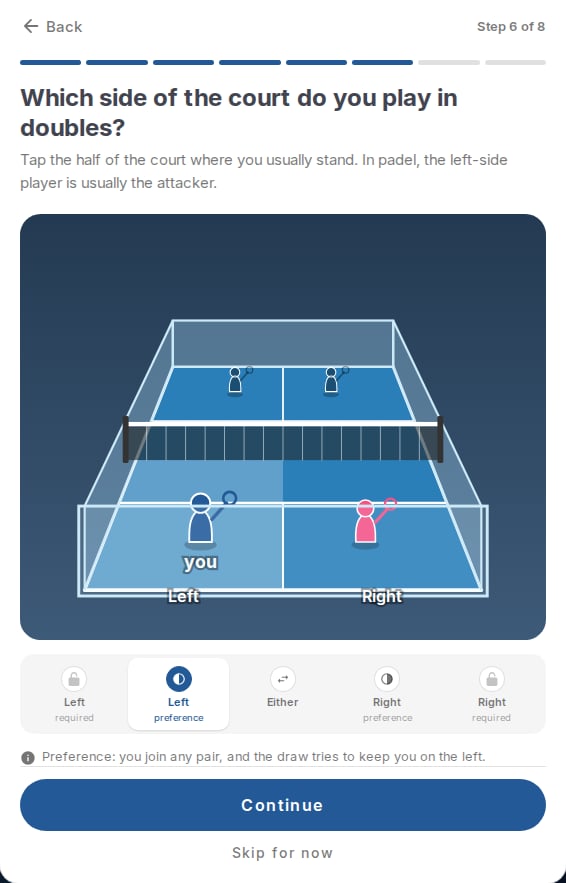
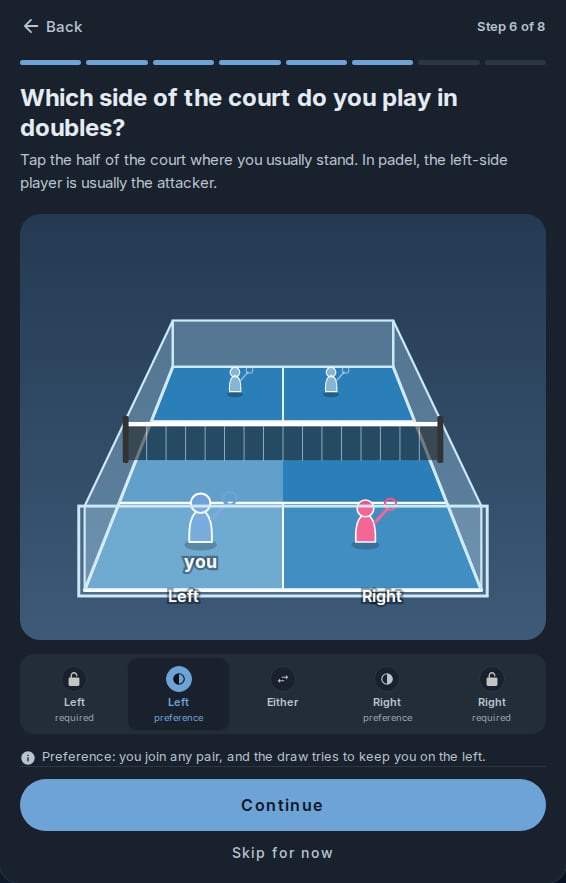
Court side in doubles: tap your half of the court or pick on the scale.
Your username
It is your @ on Matchely and the address of your profile. It starts out generated automatically from your name, and you can change it under Edit profile → Username.- 3 to 30 characters: lowercase letters, numbers, dot, hyphen and underscore — and never starting or ending with a dot, hyphen or underscore.
- It has to be free. Names reserved by Matchely and names too similar to someone else’s (swapping a letter for a digit, say) are refused.
- The screen tells you whether the @ is free as you type, but the server has the final word when you confirm.
Photo and cover
The photo helps more than you would think: on court, people recognize faces. The cover is the banner at the top of your profile.The Pioneer badge
Published the first paid competition of a sport in a city? The Pioneer in badge sits at the top of your profile, and tapping it opens the competition that opened the city. You can hold more than one — one per city and sport. When the competition goes out under an organization, the badge is the organization’s (see Organizations).Your level moves on its own
The number you picked is only a starting point. Your matches feed the calculation, and the number shown on your profile is updated once a day.The self-assessment only counts while the sport has no matches. Once a
first match is counted in that sport, redoing it is refused: your level comes
from your results from then on. Until then, redoing it overwrites the
number.
Rating and ranking
Where each number comes from.
Public profile and privacy
What shows to whom, and how to turn it off.
What the court side changes
The choice is stored per doubles sport on your profile, and you can change it later under Edit profile. The degree is what matters:- Either — you fit into any pair.
- Preference — you fit into any pair, and the draw tries to put you on your side.
- Required — you only pair up with someone who plays the other side.
When the pairs are drawn, Matchely picks at random among the splits that
respect every required side. If none works — two people changed their choice
at the same time, say — the match is drawn freely instead of stalling:
closing the invite matters more than the restriction.
The Photos tab
Between Stats and About, the profile has a Photos tab, in two parts:- Gallery — photos and videos you upload straight to your profile, with no match involved: through the tab’s own Add button or, from your phone’s gallery, through Share → Matchely → Send to my gallery. Only you add and delete them (from the viewer); visitors only see the section when there is something in it.
- Match photos — the media of the matches that person played, gathered in one place. It goes in through the match page or the match conversation — see Enter the result.
The match part shows media added from 24 Aug 2026 on. Photos of older
matches stay on each match page but do not show up here.