> ## Documentation Index
> Fetch the complete documentation index at: https://docs.matchely.com/llms.txt
> Use this file to discover all available pages before exploring further.
# Before the day
> What to have ready to run the Tournament Desk on the day of the event.
The **Tournament Desk** is the screen the organizer runs **on the day** of the
competition: attendance, calling players to the court, "on court", live score
and closing each match — all in Matchely, with no other app on the side. It was
designed for the one-afternoon event run by a single person, and that is where
it works best: a laptop (or tablet) on the desk, the players on their phones.
Before the day, three things need to be ready.
## 1. The venue's courts
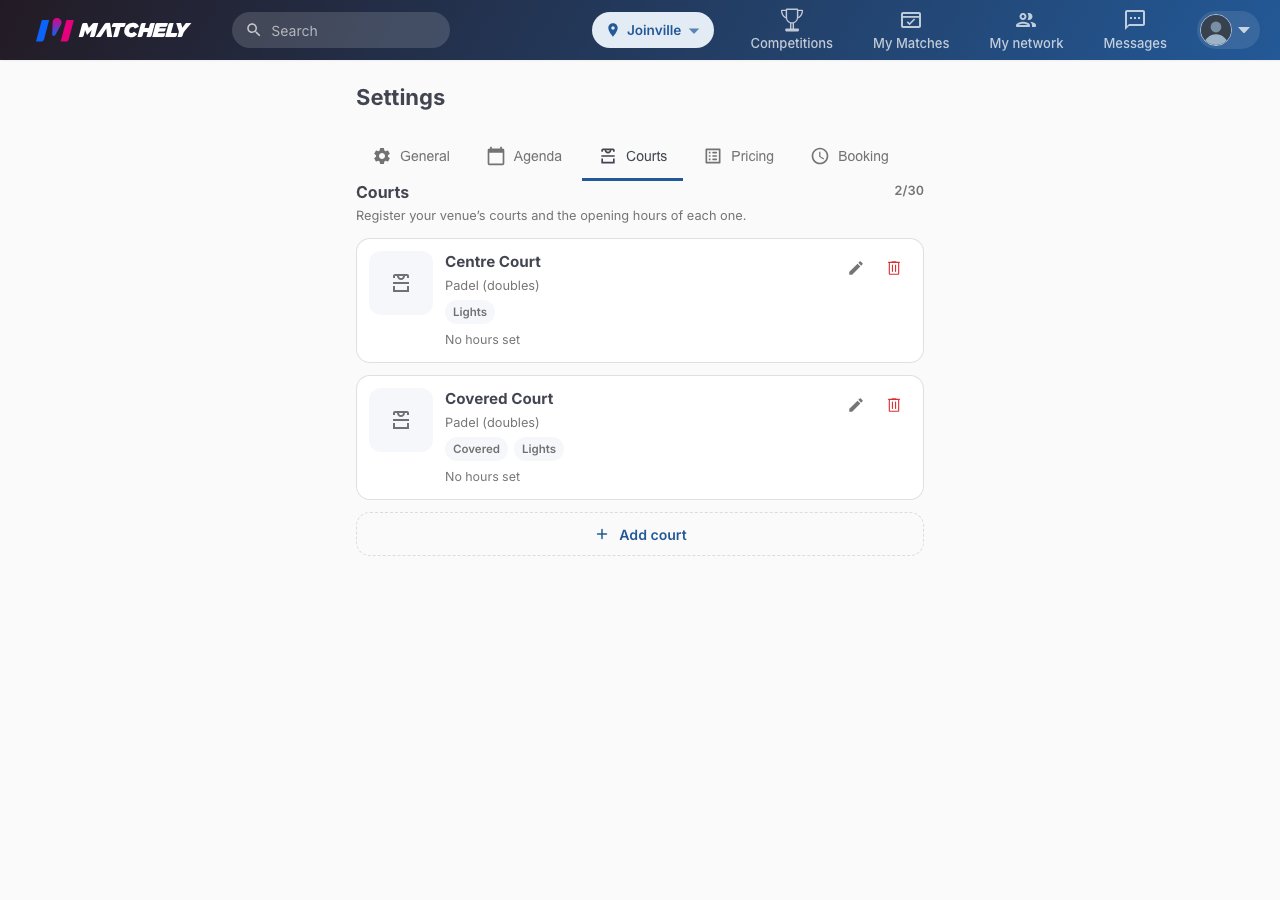
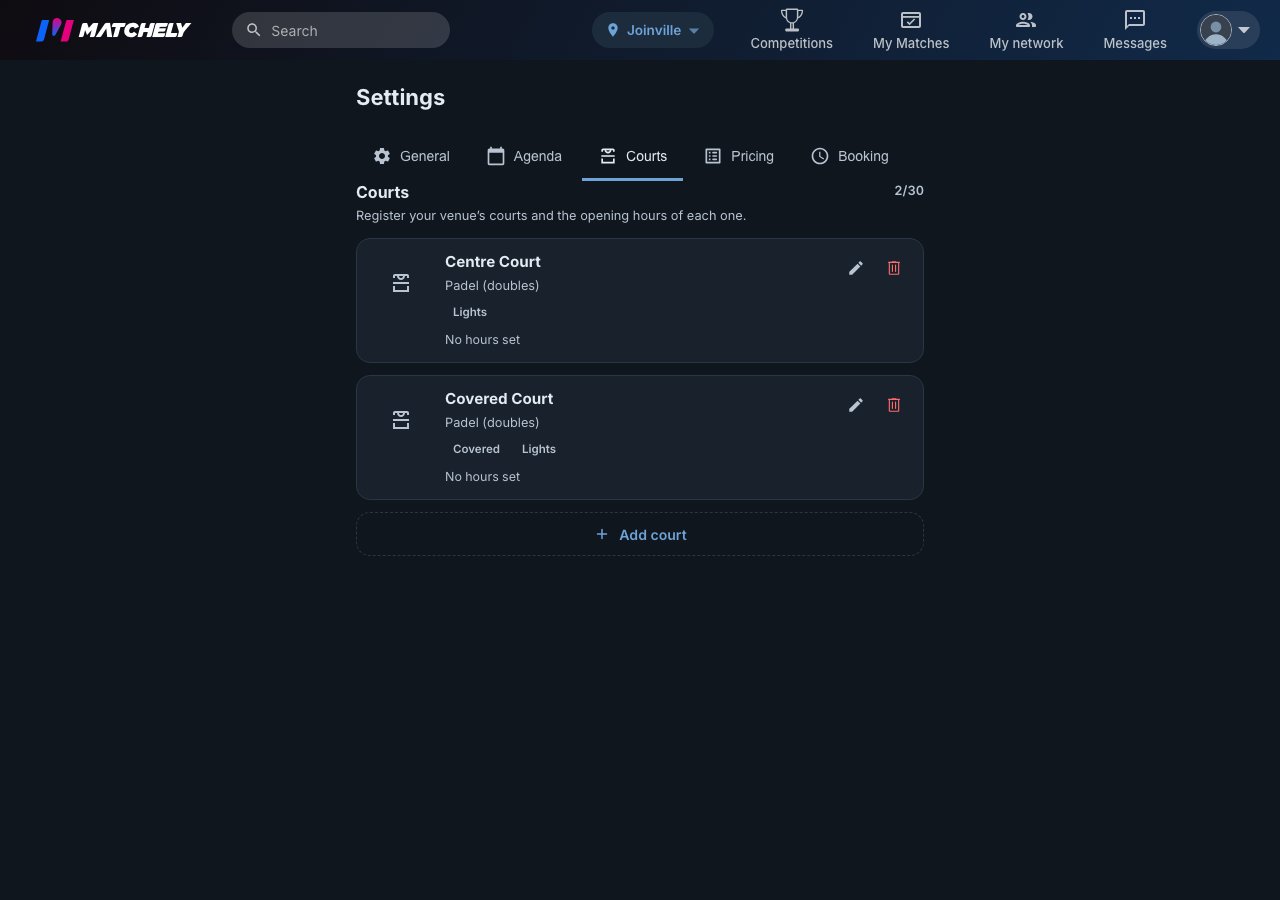
The desk sends each match to a **club court**, and it only knows the courts
registered in your **organization**. Under **Menu → My Organizations → your
organization → Settings**, **Courts** tab, each court has a name and sports,
and can be active or inactive. Only an **active** court with the competition's
sport shows up on the desk. How to register them is in
[Your venue's courts](/en/courts/manage).
 The competition must have been **published under the organization** — you
choose that on the last screen of creation, the [Review](/en/competitions/create).
The link does not change after publishing: a competition published under
your personal name opens the desk, but does not let you pick a court.
If the stage takes place at **more than one club**, add the **venues**: under
**Manage → Schedule**, on the round card, **Edit stage → Stage venues**. The
desk then offers the courts of all of them, and a court shows as "Club ·
Court". For a club to be a venue, it must have authorized your organization
under **Settings → Event partners**.
## 2. Who runs the desk with you
The owner and administrators can do everything. For someone to run **only the
desk**, go to **Manage → Information → Administrators**, tap **Add
Administrator**, pick the person and the **Assistant** role. An assistant
starts with the **Tournament desk** and **Results** areas: they call, start,
change courts and enter results — and do **not** touch entries, rounds, money
or settings.
The competition must have been **published under the organization** — you
choose that on the last screen of creation, the [Review](/en/competitions/create).
The link does not change after publishing: a competition published under
your personal name opens the desk, but does not let you pick a court.
If the stage takes place at **more than one club**, add the **venues**: under
**Manage → Schedule**, on the round card, **Edit stage → Stage venues**. The
desk then offers the courts of all of them, and a court shows as "Club ·
Court". For a club to be a venue, it must have authorized your organization
under **Settings → Event partners**.
## 2. Who runs the desk with you
The owner and administrators can do everything. For someone to run **only the
desk**, go to **Manage → Information → Administrators**, tap **Add
Administrator**, pick the person and the **Assistant** role. An assistant
starts with the **Tournament desk** and **Results** areas: they call, start,
change courts and enter results — and do **not** touch entries, rounds, money
or settings.

 The **Add Administrator** search only finds people who are already members
of the competition.
## 3. The open round
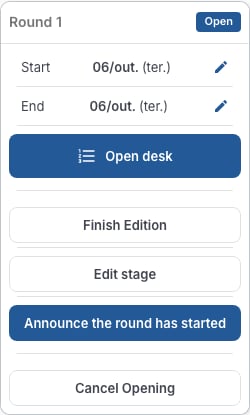
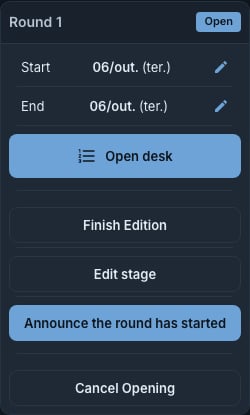
The desk works on the **open round**. When you open the round (the matches are
generated), its card, under **Manage → Schedule**, gets the **Open desk**
button — only on the current round, and only while it is open. With no open
round, the desk says "No round open right now."
The **Add Administrator** search only finds people who are already members
of the competition.
## 3. The open round
The desk works on the **open round**. When you open the round (the matches are
generated), its card, under **Manage → Schedule**, gets the **Open desk**
button — only on the current round, and only while it is open. With no open
round, the desk says "No round open right now."
 That's it. On the day, **Open desk** is how you get in — see [On the day](/en/competitions/desk/on-the-day).
This documentation is built and hosted on [Mintlify](https://mintlify.com), a developer documentation platform.
That's it. On the day, **Open desk** is how you get in — see [On the day](/en/competitions/desk/on-the-day).
This documentation is built and hosted on [Mintlify](https://mintlify.com), a developer documentation platform.